

KS3
For each topic studied, Topic Descriptors detail the knowledge and skills needed to progress in that topic.
Topic Descriptors are shared with students at the start of every topic.
Year 7 - Our Aim
Becoming digitally literate and understand the fundamentals of Computer Science basics.
Year 7
| NAME OF TOPIC | KEY CONTENT OF THE TOPIC | ASSESSMENT POINTS | |
|---|---|---|---|
|
HT1 |
Unit 1 - AGSB Network and Office 365
|
Computer Safety. Network access. Use of Office 365 tools (SharePoint and TEAMS) Use of Satchel One / SMHW and OneNote How to stay safe when using a computer at school and at home. Health conditions related to using the computer. E safety and social media use, AI use |
In lesson assessment of using tools such as MS forms and OneNote |
|
HT2 |
Unit 3 Hardware
|
Identify the different components inside and outside a computer. Understand the purpose of these devices To understand that computer use binary to communicate |
In class Quizzes |
|
HT3 |
Unit 5 Flowcharts |
Algorithms To follow steps in an order and to see how we can write programs clearly using Flowcharts. Understand the basic building blocks in Computer Science of sequence, selection and iteration |
In class Quizzes |
|
HT4 |
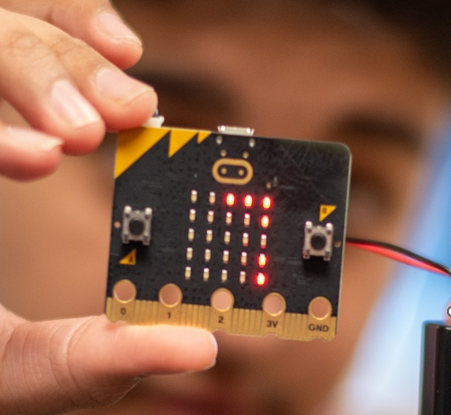
Unit 6 Micro bit |
Programming physical devices and investigate a range of inputs and output on the device. Sequence, selection and iteration in action. |
Numerus small Micro Bit challenges assessed Game Design Consider the main elements to program within a computer game. How will they be programmed? Peer Assessment of Game |
|
HT5 |
Python |
Python Programming Move from a block editor to text editor using Python. Continue to look at the basic building blocks, sequence, selection and iteration is used in Python Numerus small Python challenges |
Numerus small Python challenges assessed |
|
HT6 |
Computational Thinking |
Understand that computer is used to solve problems in a systematic way. Knowing how to solve logic puzzles is useful in understanding how computers work. |
In class Quizzes End of year exam |
year 8 - Our Aim
Deepen knowledge of Computer Science in real world examples using programming.
Year 8
| NAME OF TOPIC | KEY CONTENT OF THE TOPIC | ASSESSMENT POINTS | |
|---|---|---|---|
|
HT1 |
Unit 1 Modelling |
Modelling Using Excel to model an event, allowing students to individually plan and cost an event, resulting in a model like that of a real-life situation. Makes use of statistics, probability and the advanced analytics functions of Excel |
|
HT2 |
Unit 2 Logic |
Understanding the basic Boolean functions and how larger more complex systems can be made using simple Boolean blocks |
In class quizzes |
HT3 |
Unit 3 Python |
Developing their understanding of this programming language to make more complex programs. Learning about how to modify and use data |
Numerus small Python challenges assessed |
|
HT4 |
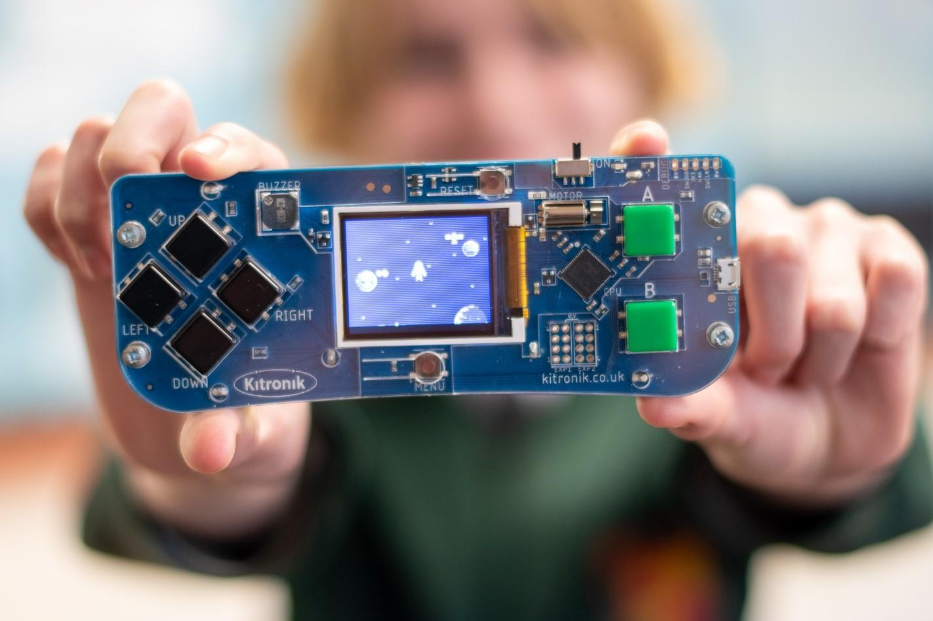
Unit 4 Make code Arcade |
Programming more complex physical devices and investigate how objects can interact with each other |
Numerus small Make code challenges assessed Game Design Consider the main elements to program within a computer game. How will they be programmed? Peer Assessment of Game |
HT5 |
Unit 5 Hardware |
Understanding the internal working and purpose of the hardware to build on the basics taught in year 7. This takes the boys up to a GCSE level of understanding |
In class Quizzes |
HT6 |
Unit 7 Computers in Society |
The impact of Computing and ICT tasks involve the moral and ethical use of ID tags for students in a school environment and the use of digital loyalty cards to track customers details |
End of year exam |
Year 9 - Our Aim
To prepare for working life with Computers and for GCSE.
Year 9
| NAME OF TOPIC | KEY CONTENT OF THE TOPIC | ASSESSMENT POINTS | |
|---|---|---|---|
|
HT1 |
Unit 1 Legislation
|
Covering the areas of GDPR, Computer Misuse Act and Freedom of information act.
Understanding the fundamentals of how a computer uses and stores, numbers, letters, and images. Covers, Denary to Binary, Binary to Denary, Denary to Hexadecimal, Hexadecimal to Binary, Binary to Hexadecimal, Hexadecimal to Denary, Binary Addition, Characters to Binary, Images to Binary |
In Class Quizzes Written responses and in class discussion participation In Class Quizzes |
|
HT2 |
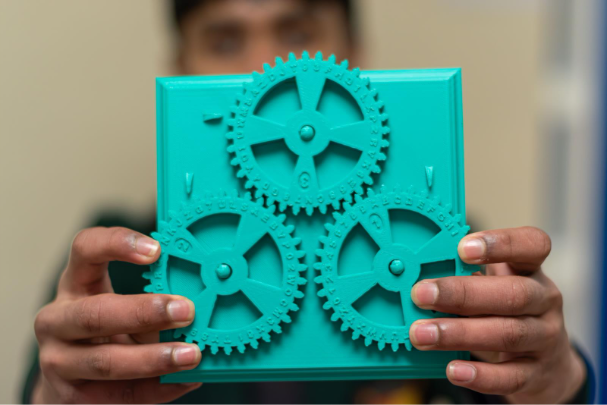
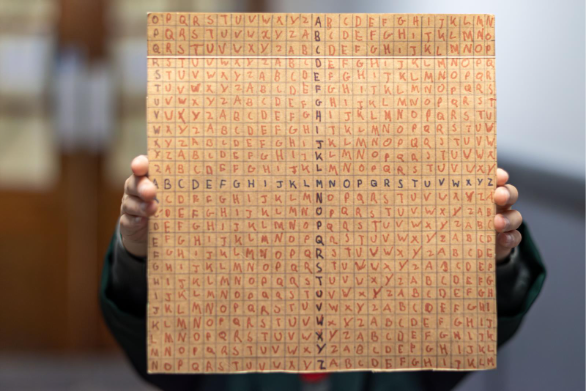
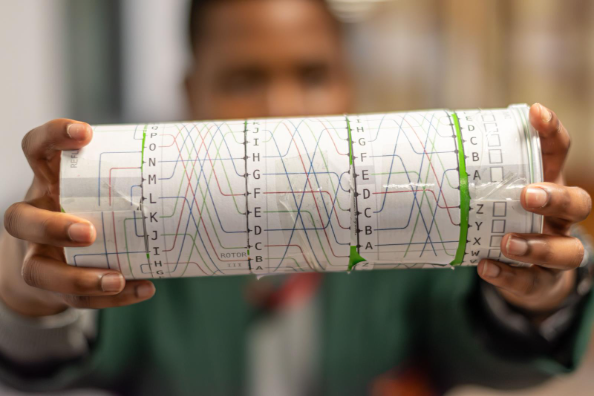
Unit 3 Cryptography Unit 4 Python |
Looking at Why is cryptography & encryption is a crucial part of the modern world. Several cryptography puzzles. Recapping the fundamentals of Python programming of sequence, selection and iteration. |
In class puzzles. Build own encryption device In Class Quizzes Small python challenges |
|
HT3 |
Unit 5 GCSE Info Unit 6 Citizenship |
A topic to look at their future use of Computers covering topics What is a Good Citizen? How does your digital self differ from your physical self? How do you treat Yourself, Other and Information online? Valuable Data & Password Management. Fraud & Fake news. Protecting Devices. Social media |
In class discussions |
|
HT4 |
Unit 7 Algorithms Unit 8 AI |
Two Common algorithms considered, Searching and Sorting. Different types of each algorithms discussed and performed on given data. Discuss the use of AI within society and the workplace? How can we use AI responsibly in future? |
OneNote and In Class Quizzes In class discussions |
|
HT5 |
Unit 9 Further Python |
Introduce procedures, functions and sub-programs |
In Class Quizzes Small python challenges |
|
HT6 |
Unit 10 RPG |
The advanced Python Techniques are then implemented within a Role-Playing game. Students given the basic program which they must develop. |
RPG Report |
What can parents do to support their son?
Check Satchel One to ensure students are completing work that has been set. Work is normally handed in through Microsoft 365 Teams assessments.
Parents can support their son by exploring real word situations where computers are in use.
Sites and online courses which are useful for studying Computer Science at Key stage 3: